A construction invoice app is a specialized software tool designed to help contractors, builders, and construction business owners create, send, and manage invoices efficiently. Unlike generic invoicing software, these apps often include features tailored for the construction industry, such as job cost tracking, progress payment, mobile estimates, project management integration, and digital payment processing.
These apps streamline the invoicing process, and reduce errors, improve cash flow, and make it easier to stay organized across multiple projects.
Key Takeaways
Specialized construction invoice apps streamline billing, reduce errors, and improve cash flow for contractors.
Mobile-friendly features allow contractors to create invoices, estimates, and capture payments directly from job sites.
Progress billing and milestone-based invoicing help manage long-term projects and maintain steady revenue.
Integration with accounting and project management tools ensures accurate financial tracking and workflow efficiency.
DepositFix stands out as the top choice, offering automation, real-time payment tracking, and scalable solutions for growing construction businesses.
What Is a Construction Invoice App
A construction invoice app is a digital tool specifically designed to help contractors, builders, and construction business owners manage the billing and invoicing side of their projects more efficiently.
Unlike standard invoicing software, these apps cater to the unique needs of the construction industry, where projects often involve multiple clients, stages, and costs. They allow users to create detailed invoices that include labor, materials, subcontractor fees, equipment rentals, and any other project-related expenses.
Many construction invoice apps also provide features such as progress billing, which lets contractors invoice clients in phases as work is completed, and cost tracking, which helps monitor expenses against budgets for each project. Mobile accessibility is another feature, enabling contractors to generate estimates and invoices directly from the job site, capture signatures, and accept payments on the spot.
These apps integrate with accounting systems, project management tools, and payment gateways, and streamline the administrative workload, reduce errors, and help ensure timely payments. In essence, a construction invoice app not only simplifies the invoicing process but also provides contractors with better financial control, improved organization, and a professional edge when dealing with clients.
Why Do Construction Businesses Need Specialized Invoice Software
Generic invoicing tools often lack features that cater specifically to contractors, which can lead to mistakes and delayed payments; an issue for 70% of contractorswho report regularly experiencing payment delays. Specialized construction invoice software solves these problems, as it offers tailored functionality designed for the unique demands of construction businesses.
Key benefits of using specialized construction invoice software:
Streamlined invoicing for multiple projects and clients: Manage invoices for several jobs simultaneously, keeping each project’s billing separate and organized.
Accurate tracking of labor, materials, and subcontractor costs: Ensure every expense is accounted for, reducing the risk of underbilling or overbilling clients.
Progress billing and milestone payments: Invoice clients in stages as work is completed, which is important for long-term projects and helps maintain steady cash flow.
Mobile accessibility for on-site invoicing: Generate estimates, invoices, and receipts directly from the job site, capture client signatures, and accept payments instantly.
Reduction of errors and disputes: Detailed invoices with itemized costs make it easier for clients to understand charges, minimizing misunderstandings and conflicts.
Integration with accounting and project management systems: Connect your invoicing data with your financial records and project schedules to save time and improve accuracy.
Improved cash flow management: Automate reminders for unpaid invoices, track outstanding payments, and gain insights into which clients or projects are lagging behind.
Professional presentation: Generate clean, branded invoices that reflect the professionalism of your business, enhancing client trust and credibility.
Time and resource savings: When contractors automate repetitive tasks and reduce manual entry, they can focus more on project work rather than administrative tasks.
5 Best Construction Invoice Apps
Let’s take a look at the 5 best construction invoice apps and their key features.
DepositFix
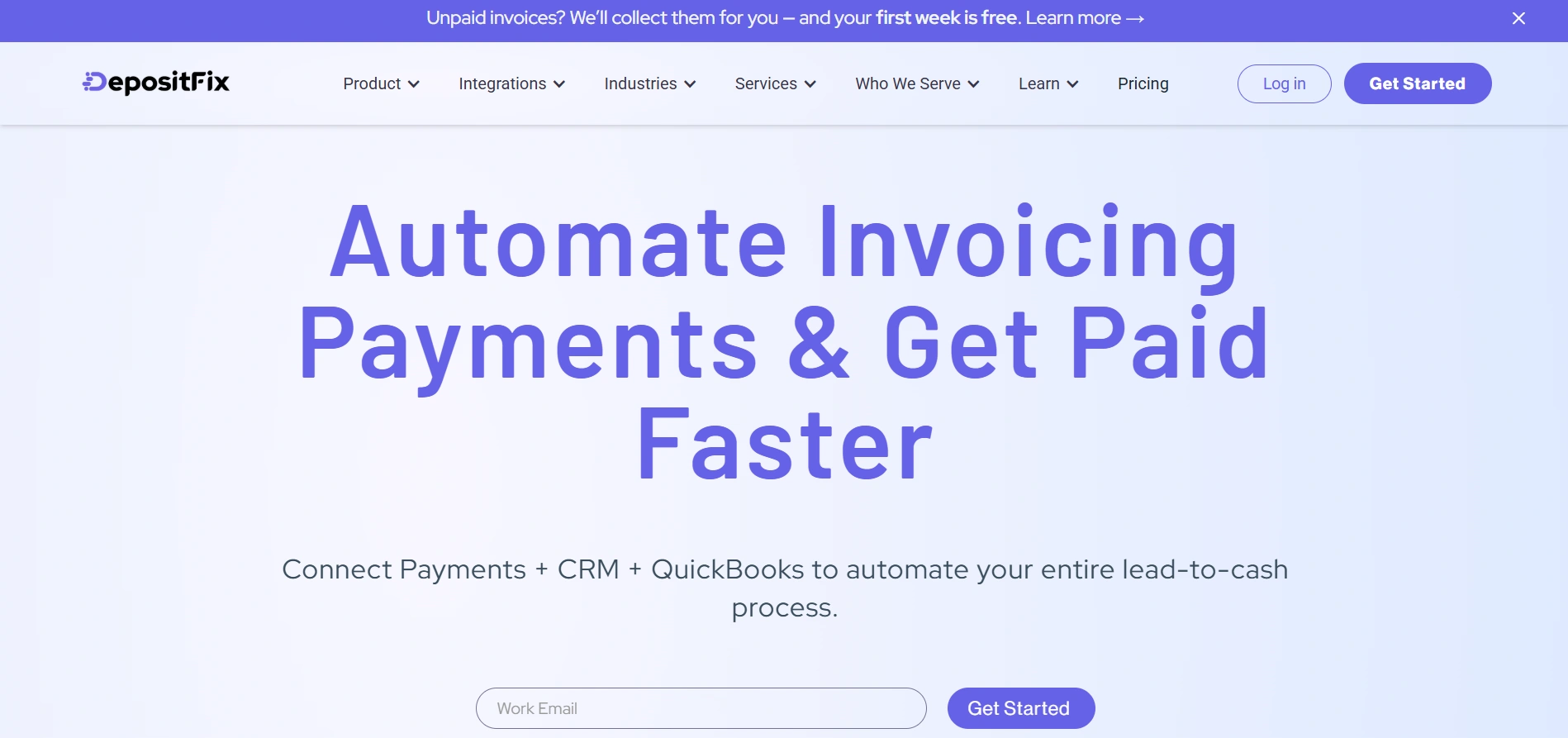
DepositFix is an invoicing and billing automation platform designed for contractors, service businesses, and construction‑related firms. It streamlines the entire billing workflow, from invoice creation to payment collection, allowing you to automate repetitive tasks, track payments in real time, and integrate seamlessly with your CRM, accounting, or project‑management tools.
Key Features
Automated invoice generation (including milestone‑based or recurring billing) — invoices can be triggered automatically by CRM events or project milestones.
Multiple payment gateway support — clients can pay via credit card, ACH, or other payment methods integrated through gateways like Stripe, PayPal, etc.
Real‑time payment tracking and revenue visibility — you get live insights into which invoices are paid, pending, or overdue, helping you manage cash flow more proactively.
Client & project‑based account management — organize billing by client or project, track payment history, outstanding balances, change orders, and more.
Integration with CRM / accounting / project management tools — connects to systems like CRM or accounting platforms to reduce duplication of data entry and support end-to-end workflows.
Best for: DepositFix is ideal for contractors and construction businesses that want an all-in-one solution for invoicing, payment collection, and workflow automation. It’s especially useful for teams managing multiple projects, handling change orders, or needing real-time visibility into payments and cash flow. DepsoitFix reduces manual work and minimizes errors, which contractors get paid faster while keeping administrative tasks under control.
Joist
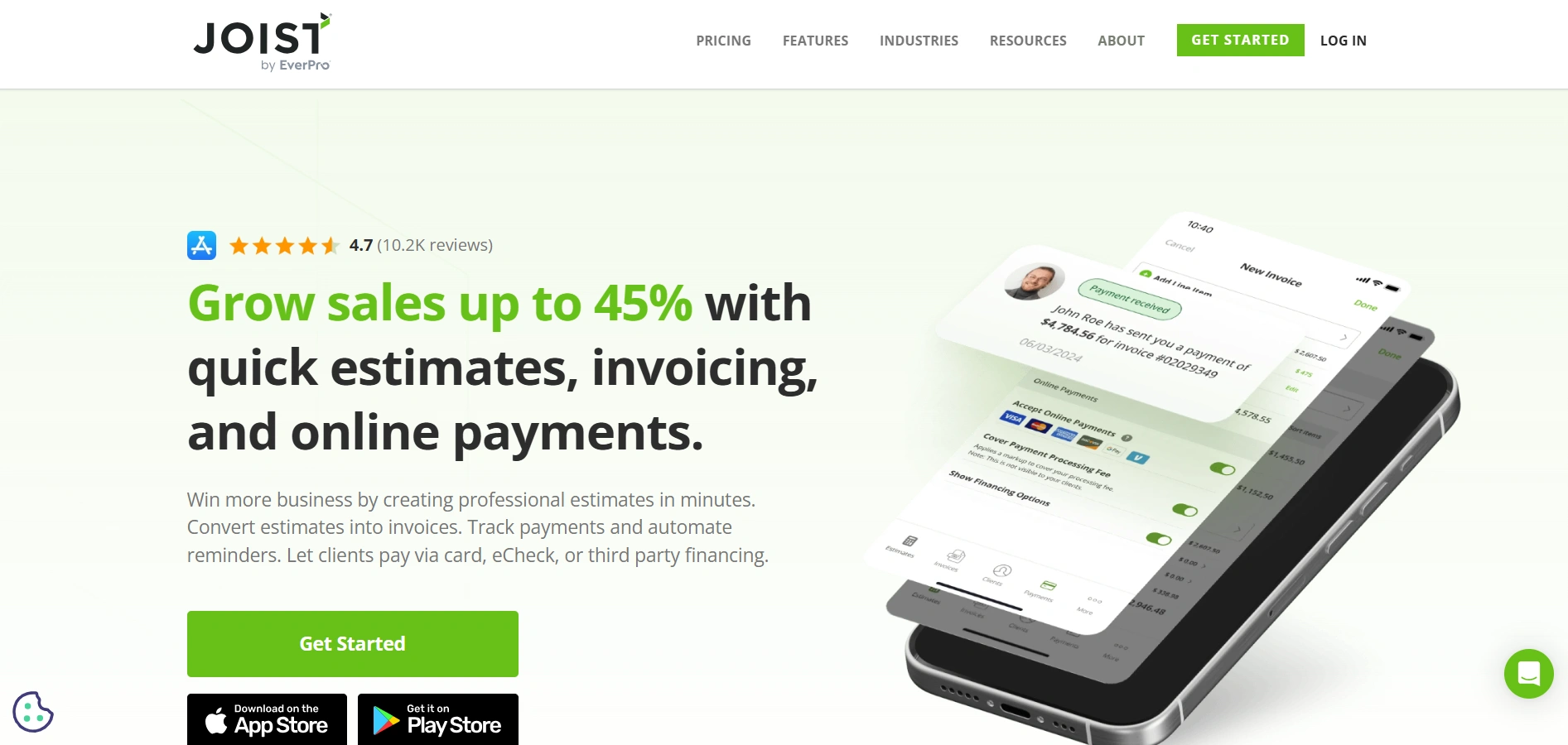
Joist is a mobile‑first invoicing and estimating app built for contractors, tradespeople, and small to mid‑size construction firms. It allows you to create estimates and invoices directly from a smartphone or tablet, making it ideal for on‑the‑go work and field operations.
Key Features
On-the-go invoicing & estimating — create and send professional invoices or estimates directly from mobile devices while on‑site.
Online payments & deposits — clients can pay via credit card or eCheck directly from the invoice to speed up payment.
Milestone / progress billing support — schedule payments in stages as the job progresses rather than waiting until project completion.
Customizable invoices with branding and attachments — add your company logo, photos, line‑items (labor, materials), making invoices more detailed and professional.
Simple sales reports & payment tracking — record payments, view outstanding invoices, and keep a dashboard of your invoicing history.
Best for: Smaller contractor teams or solo tradespeople who need a lightweight, easy‑to-use tool, especially when work is often done on-site and mobility matters.
Jobber
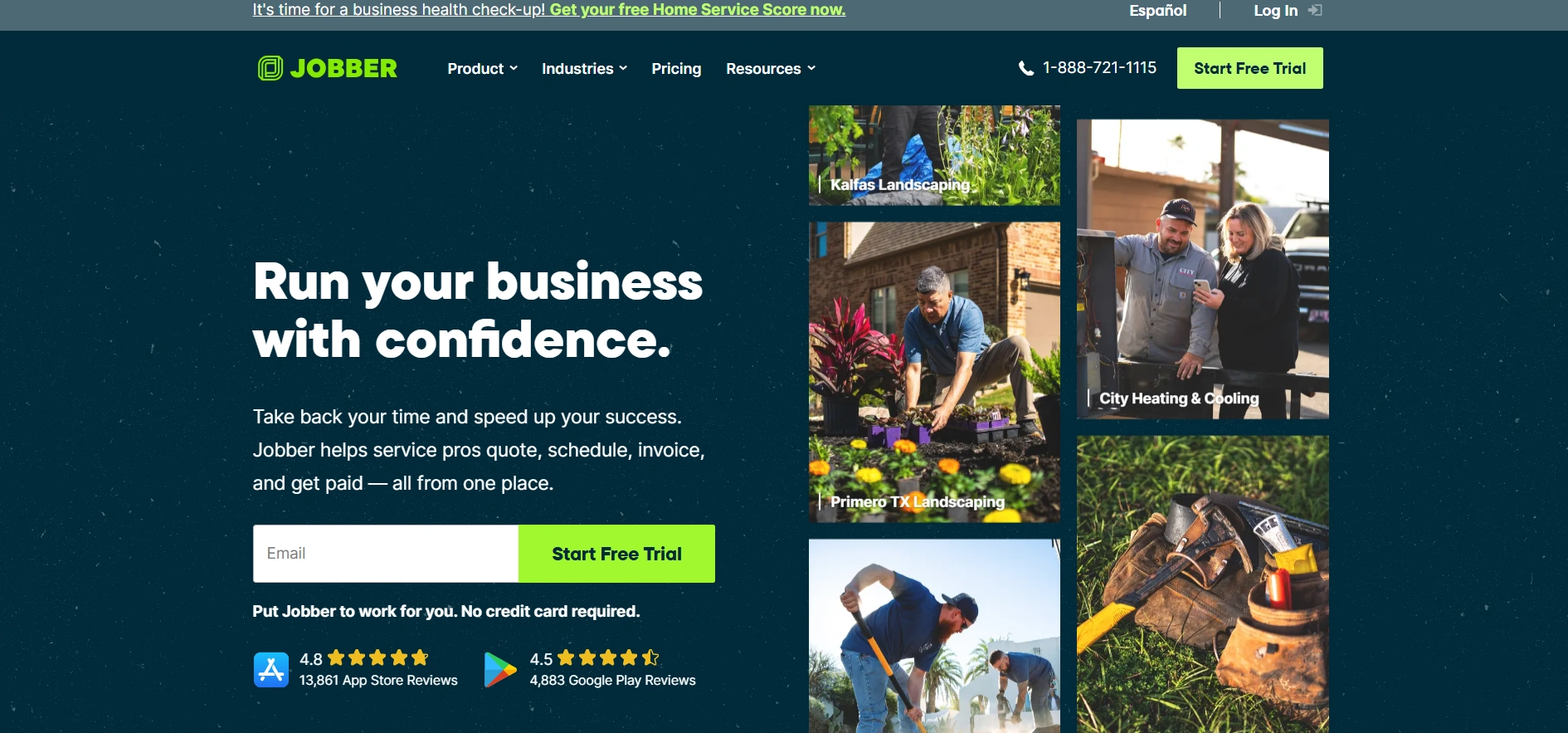
Jobber is a field-service management and invoicing software that works well for contractors, landscapers, HVAC, plumbing, and general service‑based businesses. It combines scheduling / dispatch, client & job management, with invoicing, so you manage the entire job lifecycle in one place.
Key Features
Quick invoice creation & delivery — once a job is marked complete (or on scheduled billing), you can instantly generate and send a digital invoice via email or text.
Automated invoice reminders & follow-ups — Jobber automatically reminds clients when an invoice is due or overdue, reducing missed payments.
Batch invoicing — send multiple invoices at once if you have several clients/jobs to bill at once, saving time especially for recurring or grouped work.
Integrated job scheduling and dispatching — beyond invoicing, Jobber helps you schedule jobs and manage crew assignments, so you have a full operational workflow.
Online payments & client portal — let clients pay online, and provide a portal where they can approve quotes, accept jobs, or view invoices.
Best for: Contractors or small-to-medium service-based businesses doing recurring jobs or field services, not just one-off construction projects but ongoing maintenance, repairs, or recurring service calls.
Billdu
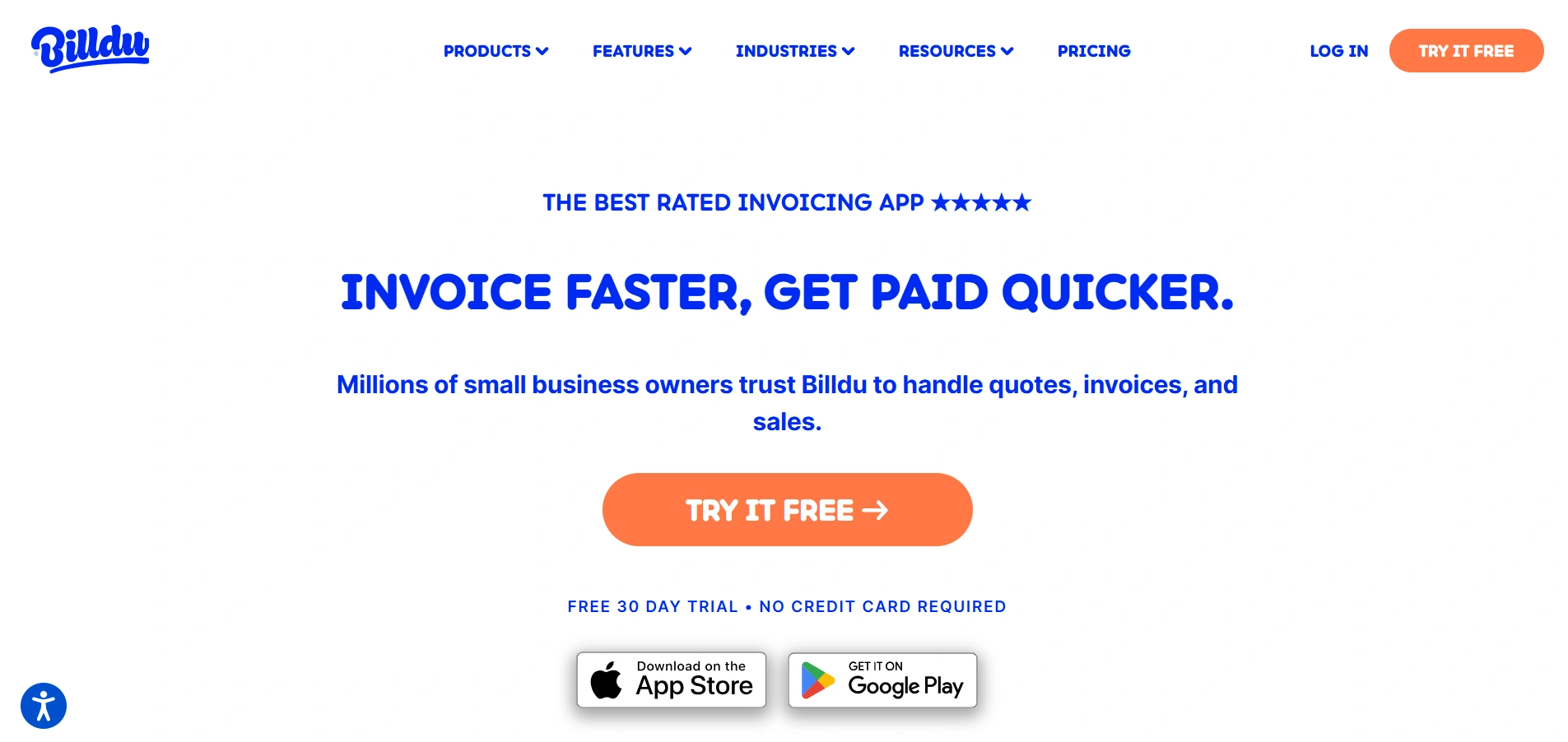
Billdu is a flexible invoicing and expense‑tracking app aimed at small business owners, freelancers, and contractors in construction or trades. It simplifies document creation, from quotes and invoices to purchase orders or delivery notes, via mobile or web.
Key Features
Fast invoice & estimate creation — generate professional invoices or estimates in seconds, even on mobile, and send directly to clients.
Expense tracking & receipt scanner — track material costs, labor, and other expenses; snap photos of receipts and attach them to records for better expense management.
Payment reminders & online payment options — add a “Pay Now” button to invoices so clients can pay easily, and send reminders automatically for due or overdue invoices.
Support for quotes, estimates, and other documents — not just invoices: you can create quotes, purchase orders, delivery notes — useful when you supply materials or manage orders.
Offline mode & multi-device support — create or access invoices and records even without internet, and work from mobile or desktop.
Best for: Independent contractors, small teams, or businesses that want a simple, no‑frills invoicing + expense‑tracking tool, especially useful when you want cost control and basic billing without heavy project‑management overhead.
FreshBooks
FreshBooks is a cloud-based accounting and invoicing software designed for small businesses and service firms, applicable to contractors as well. It combines invoicing, expense and time tracking, payments, and financial reporting in a unified platform.
Key Features
Professional, customizable invoices & estimates — create branded invoices, calculate taxes automatically, send estimates which can be converted into invoices when approved.
Time tracking & expense management — record hours and costs (e.g. materials, subcontractor costs) and include them in invoices automatically — useful for projects billed by time or cost-plus.
Online payments & recurring billing — clients can pay via online payment link; supports recurring invoices for ongoing or maintenance-type jobs.
Mobile access for on‑the-go management — manage invoices, expenses, and client communications via mobile app (iOS/Android), helpful if you or your team are often on-site.
Reporting, accounting dashboards & integrated bookkeeping — get profit/loss reports, invoice/payment history, client balances, useful for tracking overall business health beyond just individual jobs.
Best for: Small-to-medium contractors or firms that want a broader accounting + billing system, not just invoices, but full financial oversight, expense tracking, and time billing.
What Features to Look for When Choosing a Construction Invoicing Software
The right construction invoicing software streamlines workflows, reduces errors, and supports your project management and financial needs. Here’s a detailed look at the key features to prioritize:
Project-based invoicing: Construction projects often involve multiple clients, phases, or locations. Look for software that allows you to generate invoices tied to specific projects, making it easier to track costs and revenues per job.
Progress billing / milestone payments: Long-term projects require staged payments. The software should let you bill clients in phases or based on completed milestones, helping maintain steady cash flow throughout the project lifecycle.
Mobile access: Many contractors spend more time on-site than in an office. Mobile-friendly apps enable you to create invoices, send estimates, capture signatures, and even accept payments directly from the job site.
Expense and material tracking: Accurate invoicing depends on knowing exactly what you’ve spent on labor, materials, and subcontractors. Look for tools that let you log these costs easily, attach receipts, and include them directly in invoices.
Online payment integration: The best software supports multiple payment methods, including credit cards, ACH, and digital wallets, allowing clients to pay instantly online.
Customizable templates: Professional-looking invoices build credibility with clients. Choose software that lets you customize templates with your logo, photos, detailed line items, tax calculations, and terms of service.
Automated reminders and notifications: Late payments can disrupt cash flow. Features like automated reminders, overdue alerts, and follow-up notifications reduce the need for manual tracking and ensure timely payments.
Reporting and analytics: Keep a clear picture of your finances with tools that provide dashboards, summaries, and reports for outstanding invoices, cash flow, client balances, and project profitability.
Integration with accounting or project management tools: To save time and reduce errors, your invoicing software should integrate with other systems you use, such as accounting software, CRMs, or project management tools, providing a seamless workflow from job tracking to billing.
Why Depositfix is Considered the Best Construction Invoice App
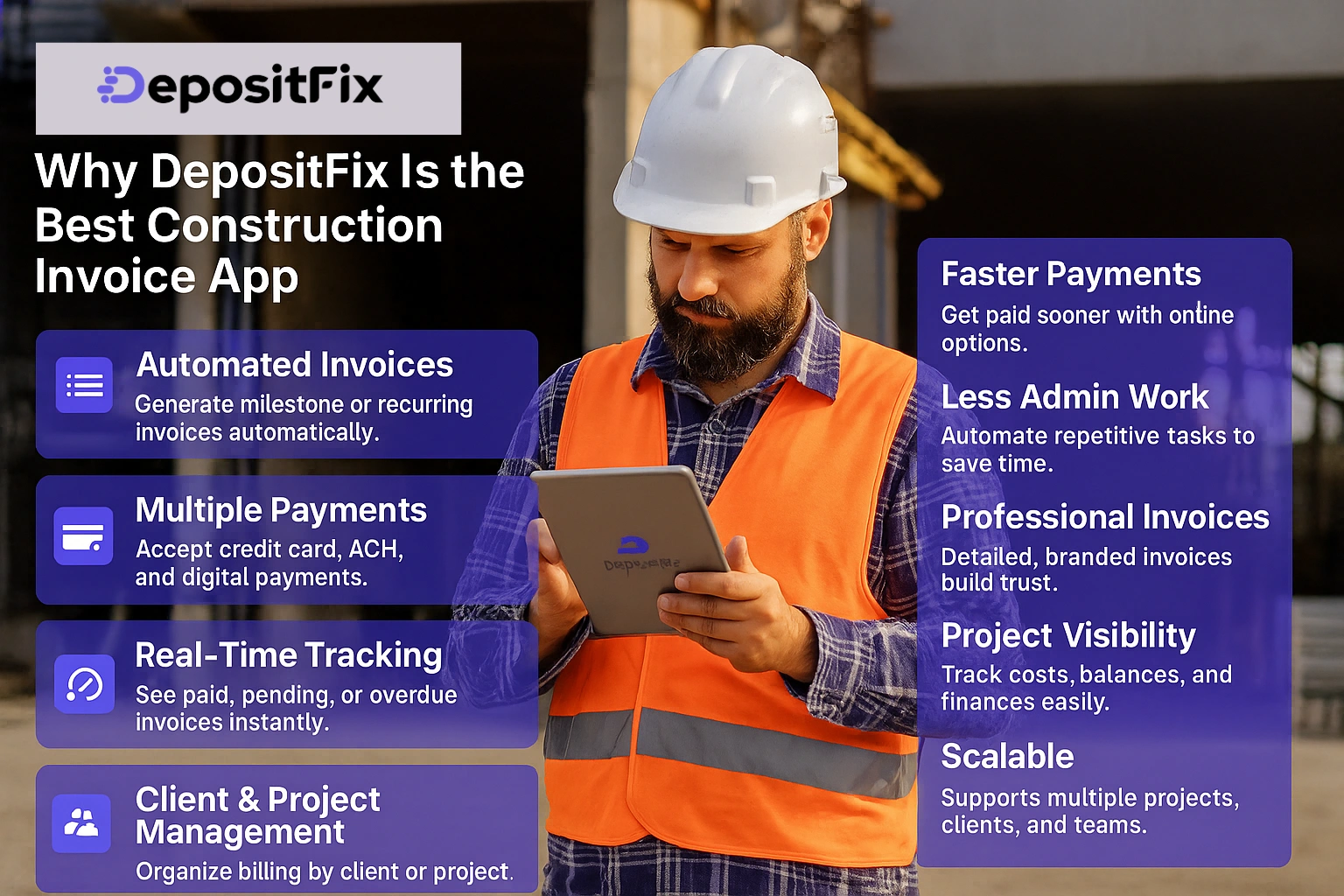
DepositFix stands out as the best construction invoice app because it combines powerful invoicing features with workflow automation and real-time payment tracking, specifically designed to meet the needs of contractors and construction businesses. Unlike many other tools, DepositFix streamlines the entire billing process, reduces administrative work, and ensures contractors get paid faster.
Key Features:
Automated Invoice Generation: Create milestone-based or recurring invoices automatically, triggered by project events or CRM updates.
Multiple Payment Gateways: Accept payments via credit card, ACH, and other digital methods, giving clients flexible options.
Real-Time Payment Tracking: Monitor which invoices are paid, pending, or overdue, helping manage cash flow efficiently.
Client & Project Management: Organize billing by project or client, track payment history, and manage change orders seamlessly.
Integration with Other Tools: Connects with CRM, accounting, and project management systems to reduce duplicate data entry and maintain workflow continuity.
Benefits for Contractors:
Faster Payments: Streamlined billing and online payment options reduce delays and improve cash flow.
Reduced Administrative Work: Automation of repetitive tasks saves time and minimizes errors.
Professional, Accurate Invoices: Detailed, customizable invoices enhance client trust and credibility.
Better Project Visibility: Keep track of project costs, outstanding balances, and overall financial health in one place.
Scalable for Growing Teams: Supports multiple projects, clients, and team members, making it ideal for small businesses or larger contracting operations.
DepositFix combines these features and benefits, and ensures that contractors not only simplify invoicing but also gain greater financial control and operational efficiency, making it the top choice for construction businesses of all sizes. Book a free demo to see it in action!
Conclusion
Using a specialized construction invoice app not only simplifies billing but also improves accuracy, cash flow, and overall project management. From mobile-friendly solutions like Joist and Billdu to full-service platforms like Jobber and FreshBooks, there are tools to fit contractors of all sizes and business models.
DepositFix, in particular, stands out as the best choice, offering automated invoice generation, real-time payment tracking, multiple payment options, and seamless integrations with accounting and project management systems.
With the adoption of an invoicing software, construction businesses can save time, reduce errors, enhance professionalism, and maintain better financial control, ultimately allowing contractors to focus more on building projects and less on paperwork.
FAQs
What types of construction projects benefit most from invoicing software?
›
Invoicing software is ideal for projects of any size, but it’s especially helpful for long-term, multi-phase projects, ongoing maintenance contracts, and jobs with multiple subcontractors or complex materials costs.
Can construction invoice apps handle taxes automatically?
›
Yes, many apps can automatically calculate taxes based on your location or client requirements, ensuring compliance and reducing the risk of errors.
Is it possible to customize invoices for different clients or projects?
›
Most construction invoicing software allows you to create templates with custom branding, line items, and notes specific to each client or project.
Can these apps track unpaid invoices and send reminders automatically?
›
Yes, many apps offer automated reminders and notifications for overdue payments, which helps maintain consistent cash flow without manual follow-ups.
How do construction invoice apps handle partial payments or deposits?
›
Most apps support progress billing, milestone payments, and partial deposits, allowing you to invoice clients in stages or collect upfront deposits.
Are these apps suitable for both small contractors and large construction firms?
›
Yes, there are apps tailored for small solo contractors as well as scalable solutions like DepositFix that support multiple projects, teams, and complex billing workflows.
Get a done-for-you A/R team — we send invoices, follow up, and get you paid.
.webp)